Best Pedalboard Planners Compared (2026)
Pedalboard.App vs Pedal Playground vs Pedaltrain Pedalboard Planner vs RockBoard Board Configurator

TL;DR
All four major pedalboard planners are free to use. What makes them different is how deep the pedalboard building features go. Pedalboard.App is the only one that combines full power management, product research tools, boards from many brands, cable-space measurement, pedalboards with layers, cloud saves, link sharing, and a community pedalboard gallery in a single no-install web app.
Each tool still wins somewhere: RockBoard's Board Configurator draws a full signal chain diagram (though only on RockBoard-brand boards, and with only partial power management), Pedal Playground is a lightweight account-free classic (but with no power planning, cloud saves, sharing or support for board layers), and the Pedaltrain Pedalboard Planner offers a native-app, though it's limited to Pedaltrain boards with no power management or ability to add custom pedals.
Full Comparison
| Feature | Pedalboard.App | Pedal Playground | Pedaltrain Pedalboard Planner | RockBoard Board Configurator |
|---|---|---|---|---|
| Power management | Yes | No | No | Partial |
| Boards from many brands | Yes | Yes | No | No |
| Product research tools | Yes | No | No | No |
| Measure Cable Space | Yes | No | No | Partial |
| Pedalboards with layers | Yes | No | No | No |
| Add custom pedals | Yes | Yes | No | No |
| Cloud saves | Yes | No | Yes | Yes |
| Share via link | Yes | No | No | Yes |
| Explore community pedalboards | Yes | No | No | Yes |
| Signal chain diagrams | Coming soon | No | Partial | Yes |
How Each Planner Stacks Up
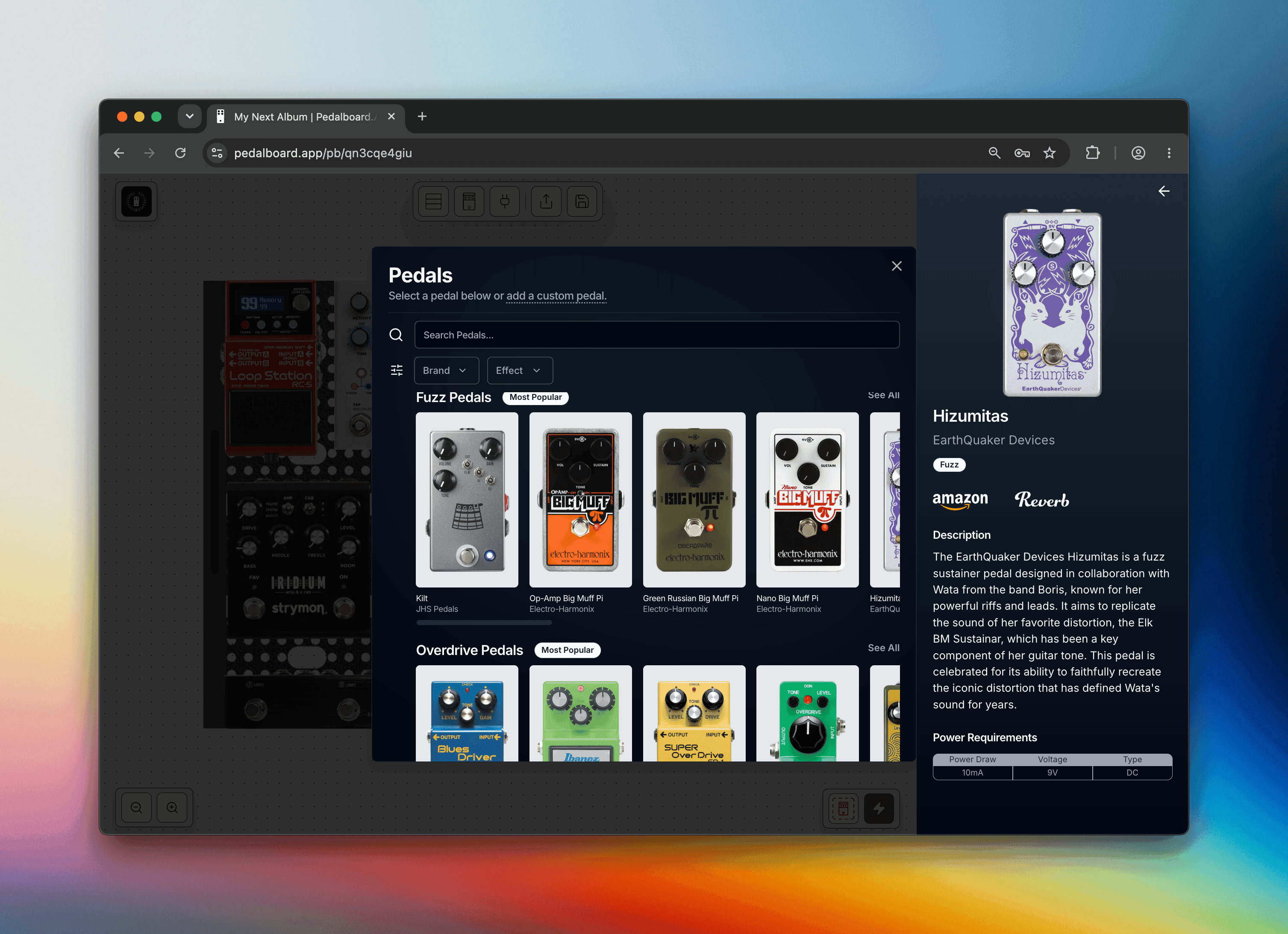
Pedalboard.App
Pedalboard.App is a free web app: nothing to install, no account needed to start building, and it works great on phones and tablets (you can even add it to your home screen as an app).
It's the only planner with full power management: add a power supply and the app confirms every pedal receives the correct power, checking voltage, polarity, and current draw, and covering alternate power types like USB, with per-pedal voltage selection and support for off-board supplies.
Boards with multiple tiers support layers, so you can place pedals and power supplies on the exact level where they'll live. And if a pedal isn't in the database, you can add a custom pedal with its own dimensions, which is handy for DIY builds and one-offs. Cable-space measurement ensures your layout leaves realistic room for patch cables, with selectable standard or flat-angle profiles.
The app also doubles as a product research tool: every pedal carries a description and tags, you can filter pedals by type, and a unique cross-brand size sort orders boards from many brands by physical size to help you find the right fit regardless of manufacturer.
When you're done, save to the cloud, share with a single link, or browse thousands of community-built boards in the Pedalboard Explorer.
Where it falls short: Pedalboard.App doesn't yet draw a signal chain diagram (RockBoard does, and Pedaltrain partially does), but one is coming soon.
Best for: anyone who wants a complete, end-to-end pedalboard planning experience, from product research, power management and getting assurance that the final layout will actually fit in the real world.
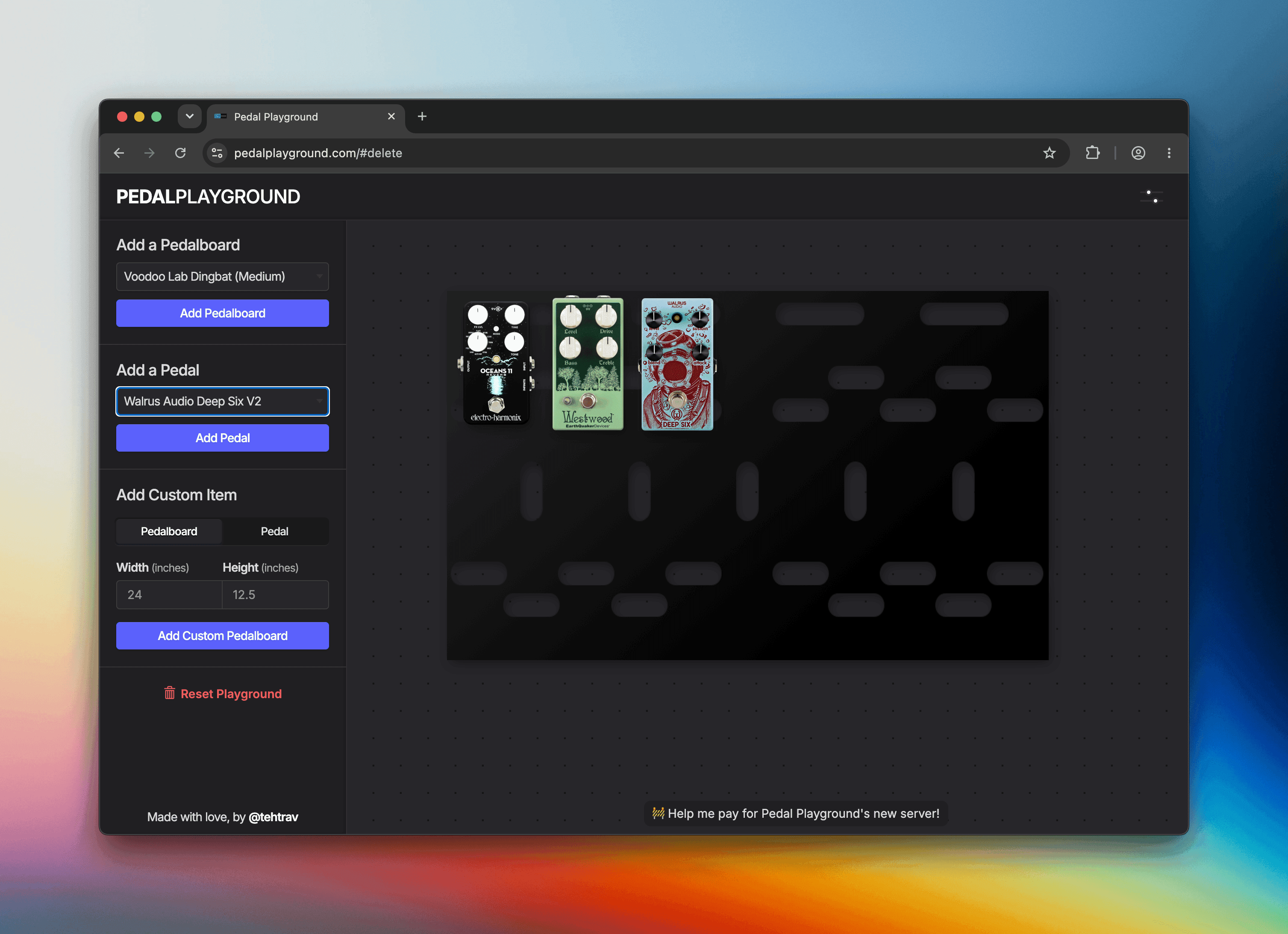
Pedal Playground
Pedal Playground is possibly the most well known tool in the category. It's a free web app with no account requirement, has boards from many brands (Pedaltrain, RockBoard, Temple Audio, etc), and has support for custom pedals with your own dimensions, useful for DIY pedals or gear missing from its catalog. Beyond layout, though, the feature set is minimal: there's no power planning at all, no cable-space guide, no cloud saves (boards live in your browser), no link sharing (a screenshot is the only way to show your board), and no community gallery to browse.
Best for: quick, simple desktop layout sketches, especially if your gear is already in its catalog.
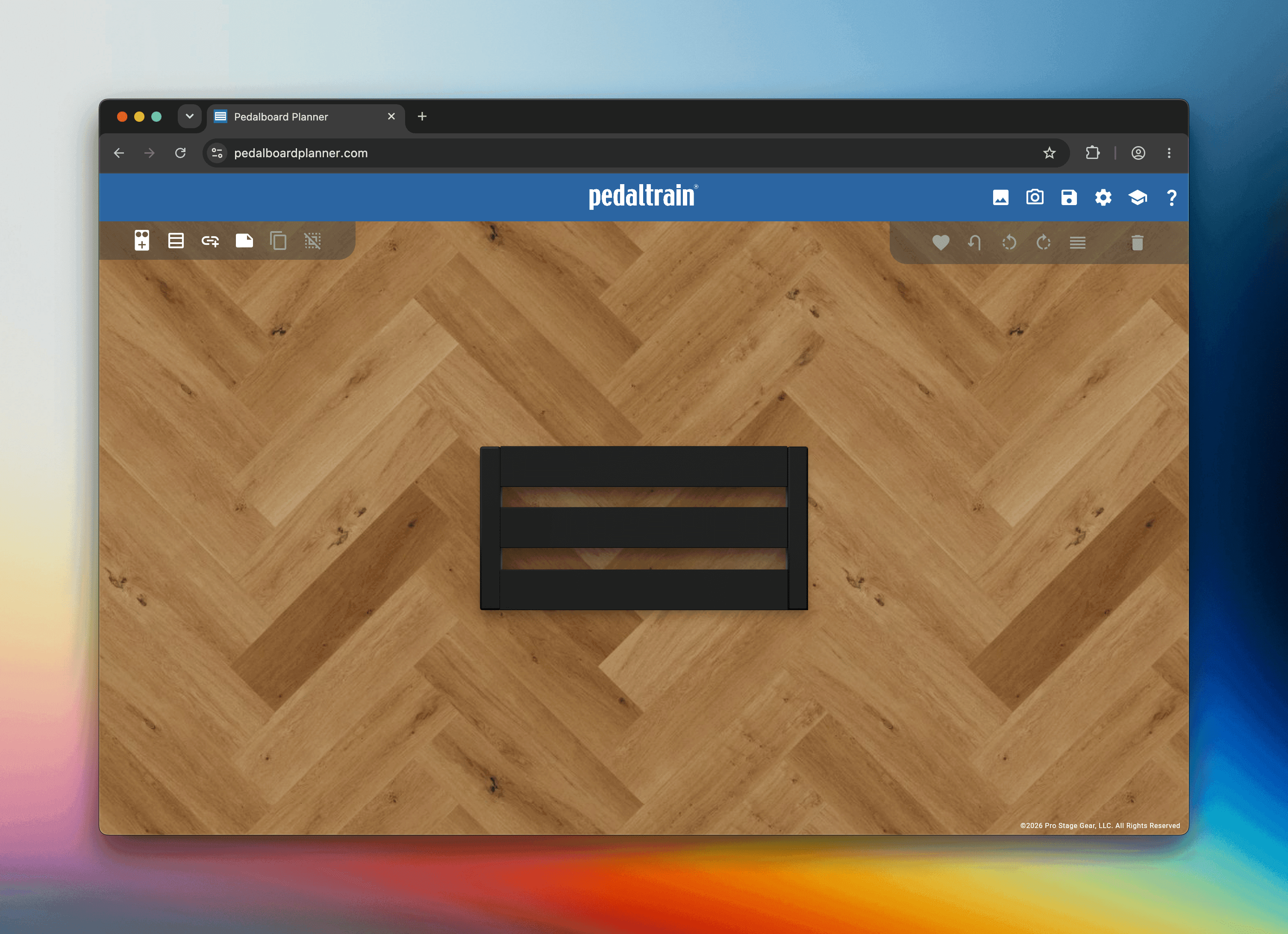
Pedaltrain Pedalboard Planner
Pedaltrain's planner is free. It allows you to save boards in the app and supports connection lines between pedals, a partial take on a signal chain diagram. It's built around Pedaltrain's own lineup, though so only Pedaltrain boards are supported. There's no way to add custom pedals or boards. There's no power management and no way to share a board other than exporting an image.
Best for: committed Pedaltrain owners who only need a brand-specific layout and prefer a native app over the browser.
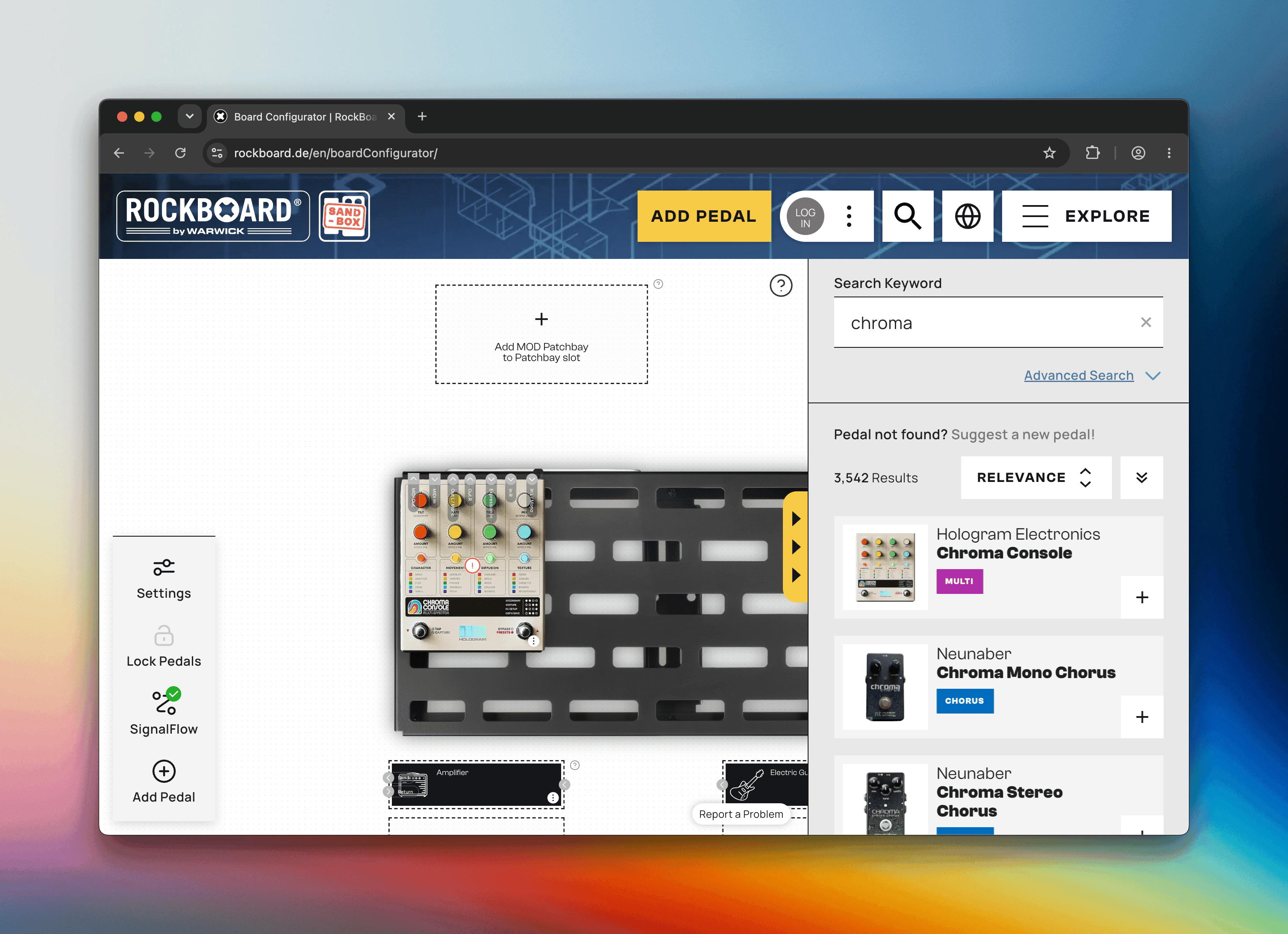
RockBoard Board Configurator
RockBoard's configurator is the companion tool for RockBoard's own boards: it draws a full signal chain diagram, saves to the cloud, shares boards via link, and has a public community gallery. The trade-offs: you can only build on RockBoard-brand boards, you need an account to save or share (a sandbox mode covers casual experimenting), and its power management is partial. It can tally basic power requirements, but it doesn't support alternate power types like USB and doesn't evaluate polarity, both of which are essential to powering your pedals correctly. Its awareness of cable space around pedals is partial as well.
Best for: players who've already decided on a RockBoard board and want a signal chain diagram.
Frequently Asked Questions
What is the best pedalboard planner?
It depends on what you need. Pedalboard.App is the strongest all-around planner: it's free, requires no account, offers full power management (voltage, polarity, current draw, and alternate power types like USB), supports boards from many brands and pedalboards with layers, measures cable space, includes product research tools like descriptions and tags for every pedal plus a cross-manufacturer board size sort, and lets you share your board with a single link. RockBoard's Board Configurator is a great choice if you're committed to RockBoard-brand boards and want a signal chain diagram.
Which pedalboard planner checks power supply compatibility?
Pedalboard.App offers full power management: it automatically confirms every pedal receives the correct power, checking voltage, polarity, and current draw, and covering alternate power types like USB, with per-pedal voltage selection and on/off-board power supply placement. RockBoard's Board Configurator is partial: it can tally basic power requirements, but it doesn't support alternate power types like USB and doesn't evaluate polarity, which is essential to powering your pedals correctly. Pedal Playground and the Pedaltrain planner do not model power at all.
What is the best Pedal Playground alternative?
Pedalboard.App is the closest alternative: like Pedal Playground it's a free, no-account web app with boards from many brands and custom pedals for DIY or missing gear, but it adds full power management, product research tools, cable-space measurement, pedalboards with layers, cloud saves, link sharing, and a community pedalboard gallery.
Ready to plan your board? Free, no account needed.
 Create Pedalboard